Forms people love to fill in
Design, publish and manage beautiful branded forms with custom themes, logos, etc. give your exsisting form a complete makeover.
Keep your form. Upgrade how it looks.
You do not have to rebuild anything. Connect the Google Form you already have and BeeForm adds a designed layer on top of it, so people get a better experience while you keep working the way you do today.
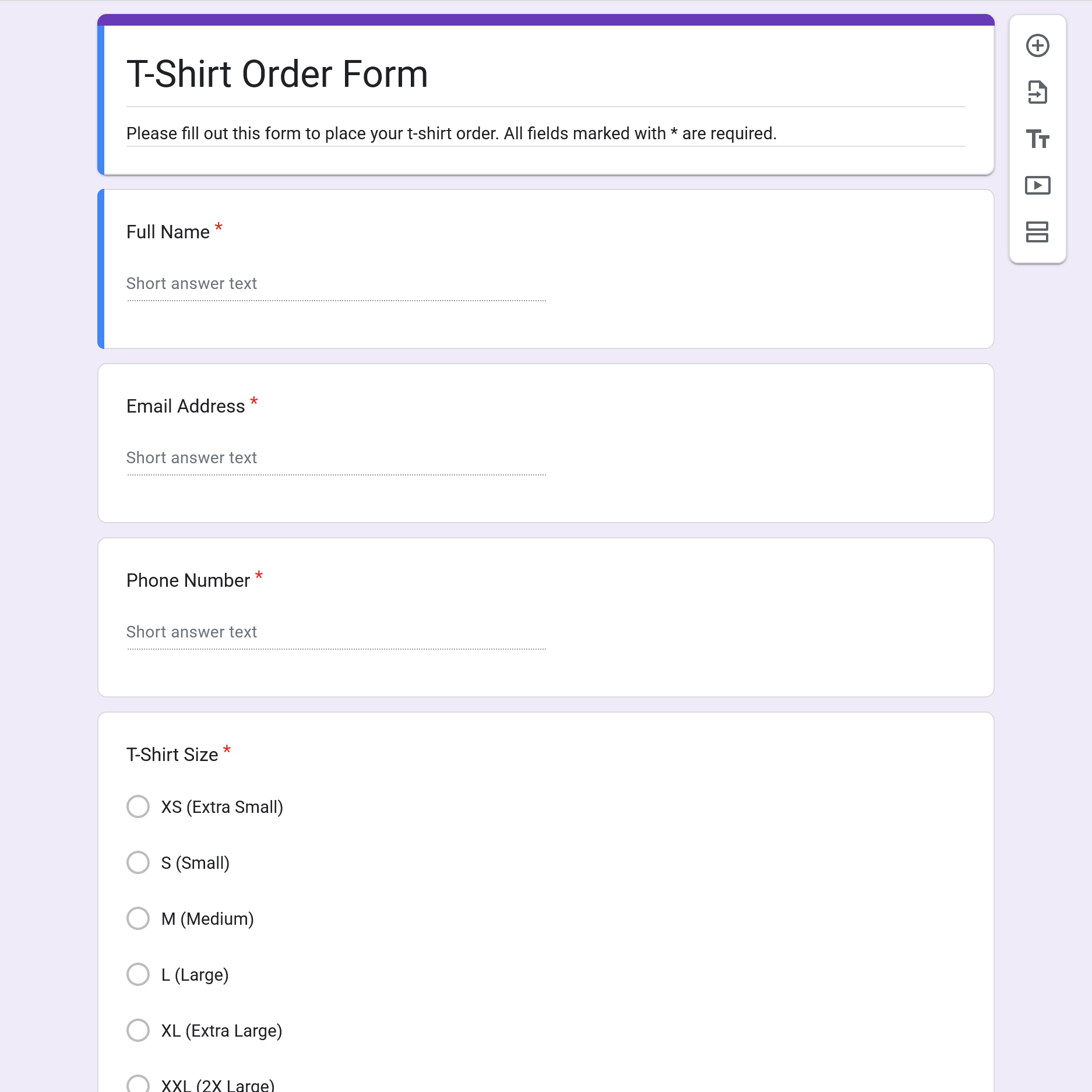
Connect your existing form
Open the BeeForm add-on inside Google Forms or pick a form from your Google account. Your questions, sections and settings come across as they are.
Design on top
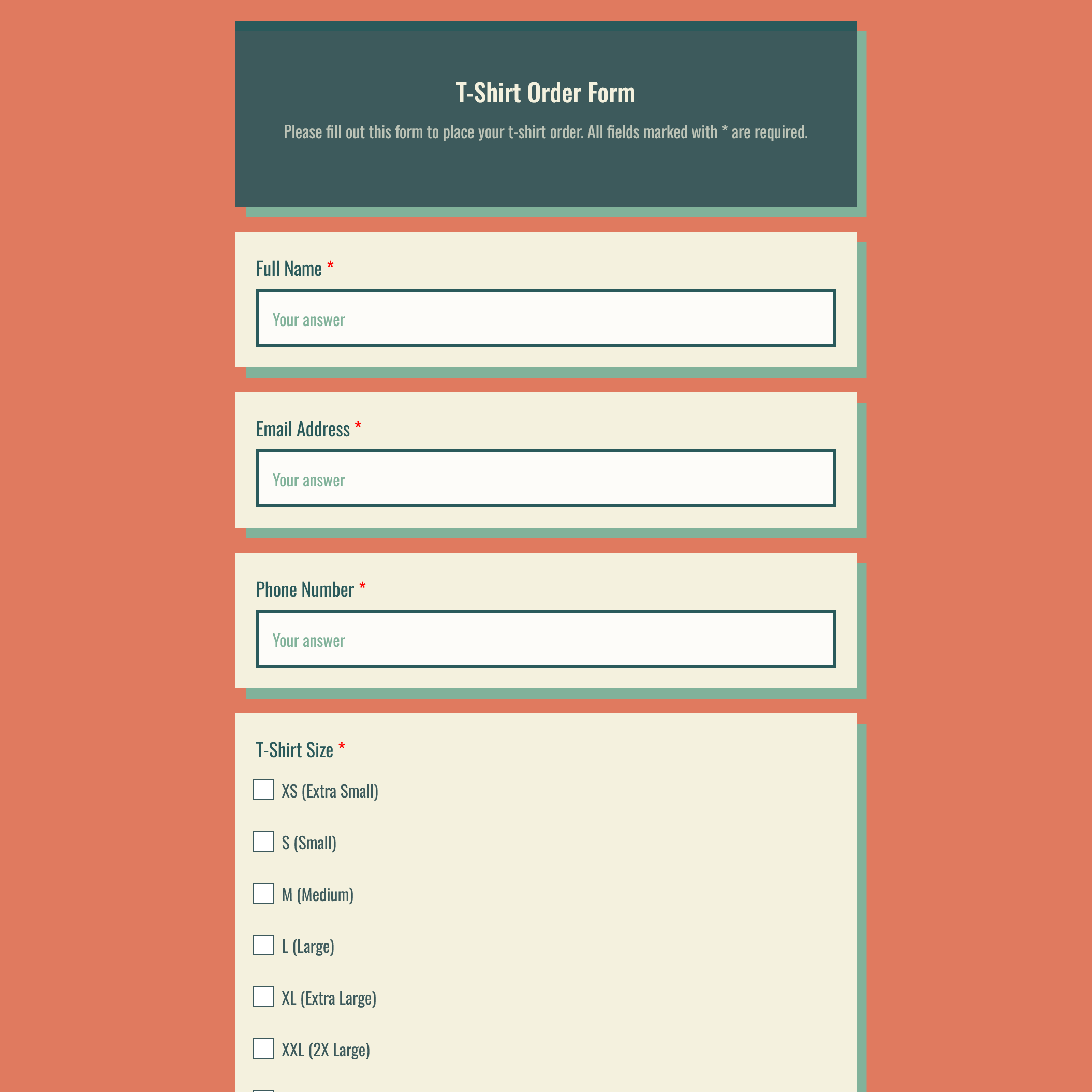
Choose a theme, set colors, fonts and your logo, or switch to a step-by-step wizard. The design is a layer over your form, so your questions stay untouched.
Answers still reach Google
Share your BeeForm link and responses are submitted to your own Google Form, so your existing Sheets and workflows keep working.
Make every form look like you
Start from a designed theme, or build your own. Same form, completely different feel.
Colors, fonts, spacing, shadows and corners
Your logo, header and background images
Save any design and reuse it on every form
Share themes with your whole team
Everything you need to make forms shine
One designer for every form, whether you build it in BeeForm or bring one over from Google Forms.
Advanced form designer
Upload logos, set background images and fine-tune fonts, colors, padding, shadows and border radius to match your brand.
Classic and Wizard layouts
Show one long form or guide people step by step, with custom navigation buttons.
Custom themes
Start from professionally designed themes or save your own and reuse them on every new form.
Shared team themes
Share themes and templates across your organization so every form looks on-brand.
Response limits
Close a form automatically after a set number of responses or on a specific date.
Smart notifications
Get an instant, detailed email whenever someone submits a response.
Custom messages
Write friendly Form Closed and Thank You pages that tell respondents what happens next.
Works with Google Forms
Already use Google Forms? Restyle existing forms with the add-on. Prefer to go solo? Build entirely in BeeForm.
From plain form to polished in minutes
Themes, wizards and branding, all in one place.
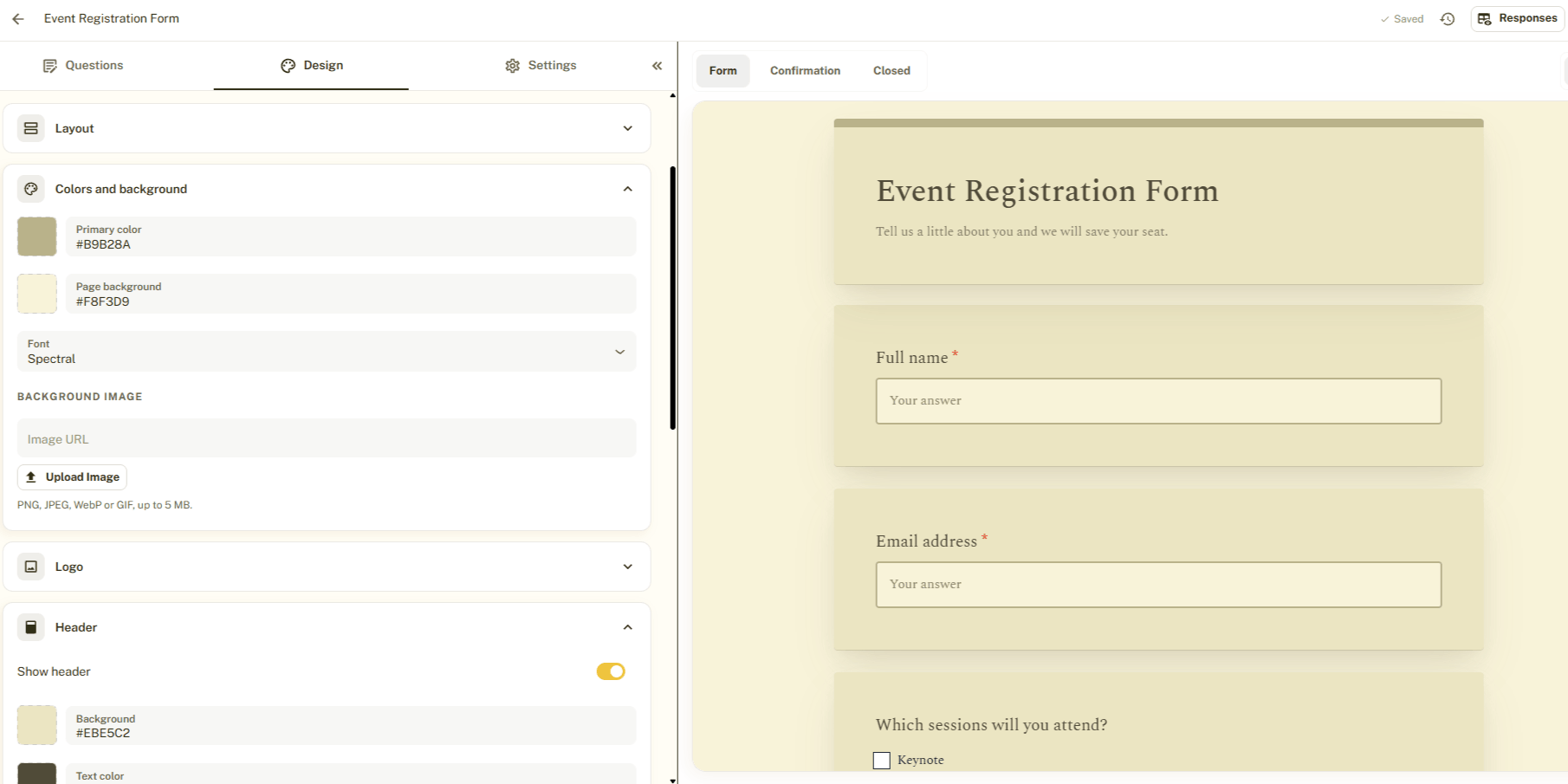
The advanced designer
Change colors, fonts, layout and branding with a live preview.
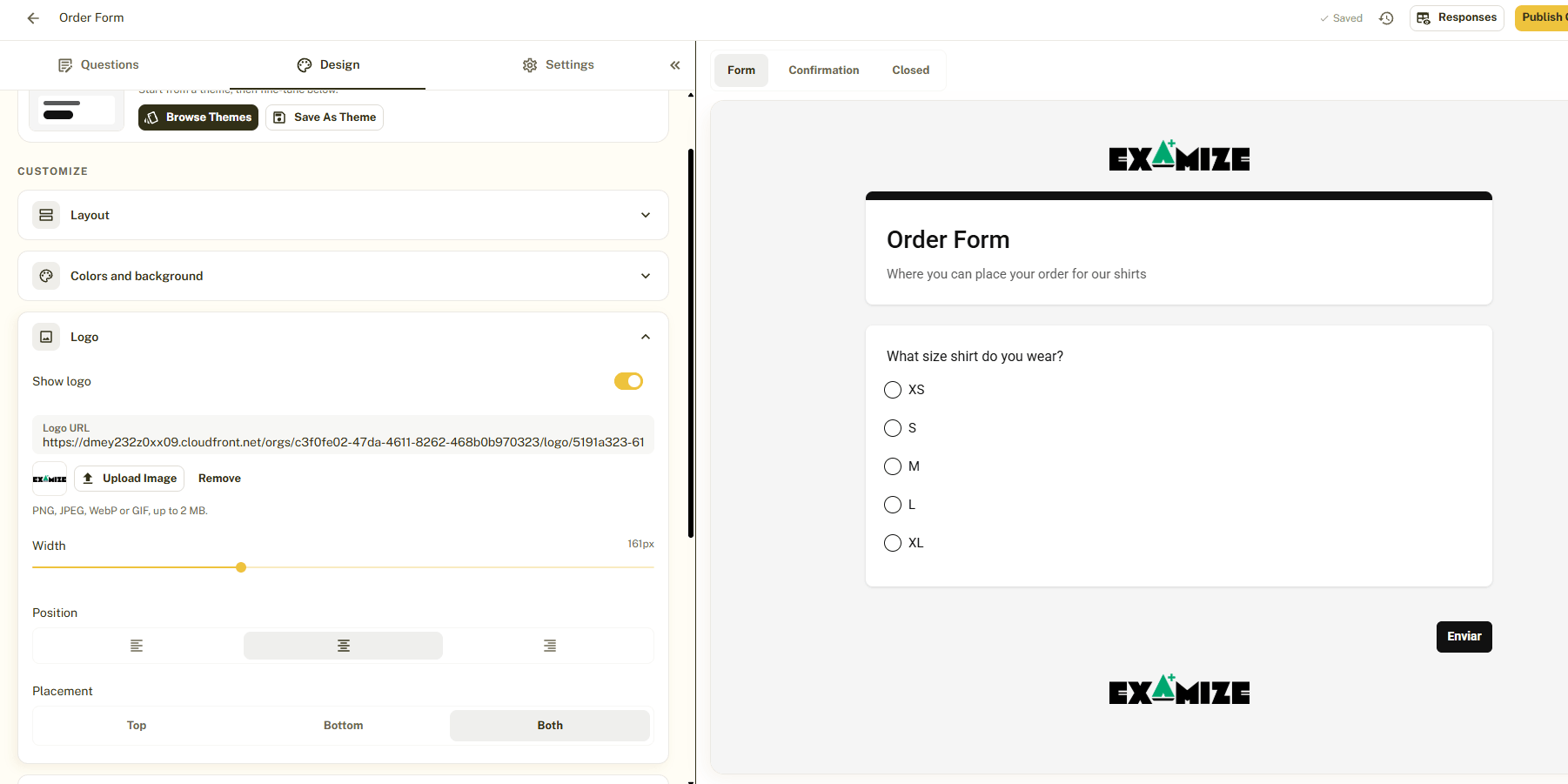
Your logo
Add your own logo so every form looks like your brand.
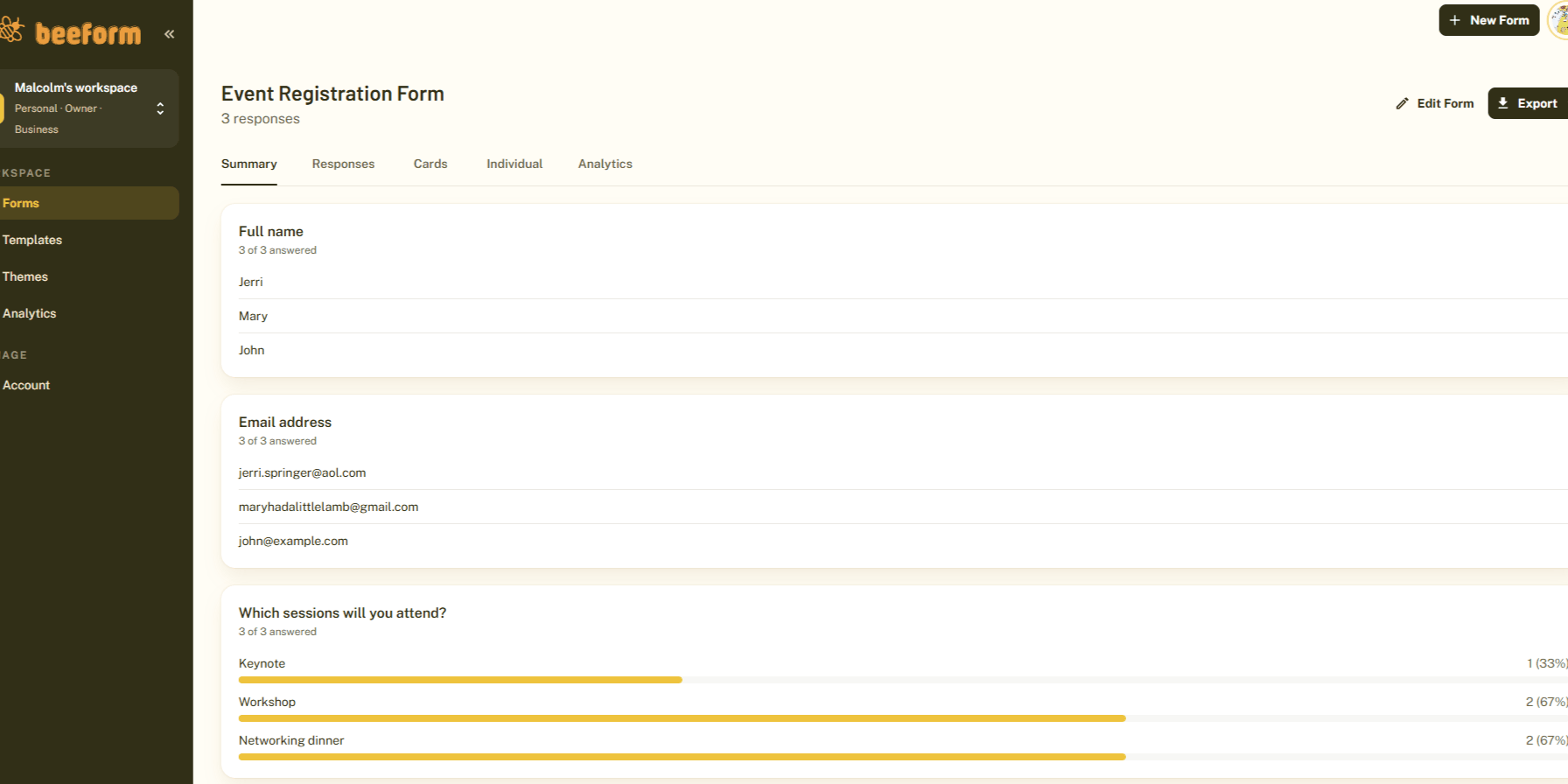
Responses and analytics
Search, filter, export and see how your forms perform.
Know how your forms really perform
See how many people open, start and finish your forms, and find out where you lose them.
Views, starts, submissions and completion rate
A funnel that shows where people drop off
Traffic sources and devices
Up to 90 days of history for every form
Analytics
Last 30 days · sample data4,820
2,975
2,311
78%
Made for whatever you need to collect
Start from a template and make it yours.
Teachers and schools
Quizzes, sign-up sheets and parent forms that look polished and friendly.
Event registration
Collect RSVPs, then close registration at a set date or capacity.
Lead capture
On-brand forms with instant email alerts for every new lead.
Surveys and feedback
Multi-step surveys people actually finish, with analytics to show where they drop off.
Job applications
Resume uploads and guided questions in a clean flow.
Client intake
Onboard clients with branded forms your whole team can manage.
Start from a ready-made design
Pick a template, add your questions and publish.
Frequently Asked Questions
Do I need Google Forms to use BeeForm?
Does BeeForm work with existing Google Forms?
Can I use my own branding?
What is the difference between Classic and Wizard layouts?
Do I need coding skills to design forms?
Can I save my designs for later?
Can I limit the number of responses?
Ready to make your forms buzz-worthy?
Start building in BeeForm today, or install the add-on to upgrade the Google Forms you already have.